Mechanical Engineering
ANSYS Workbench — Engineering Simulation & FEA
CAE • Finite Element Analysis • Structural Simulation • Engineering Analysis
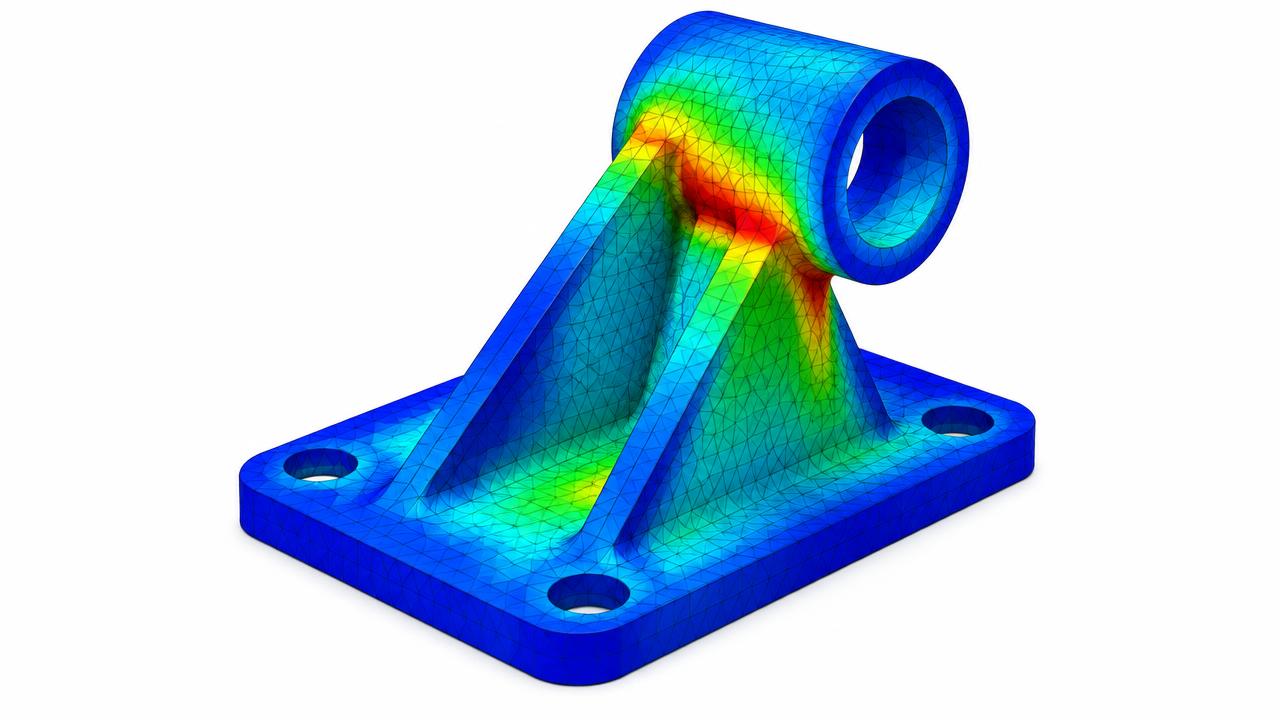
Build practical skills in ANSYS Workbench for engineering simulation and finite element analysis. Learn the workflow from geometry preparation and model setup through meshing, analysis, results interpretation, and engineering optimization.
Trainer
Trainer to be announced
Trainer experience
To be confirmed
Rating
Rating pending
Learners
Not yet published
Duration
To be confirmed
Format
Recorded + Live + Project
Software covered
ANSYS Workbench
Level
To be confirmed
Free introduction
Watch before you buy
The introduction video will play here once it is uploaded.
- What the course teaches
- Who should take it
- Software covered
- Trainer background
- Course structure
- Career relevance
- Expected learning outcome
Course format
Recorded Lessons
Self-paced recorded engineering lessons.
Live Sessions
Scheduled sessions with the trainer.
Practical Project
A real-world engineering project or project-based assignment.
Career Development
Relevant career guidance where applicable.
Live training
Book a live session
Loading schedule…
Learning outcome
Develop the practical ability to prepare engineering models, create finite-element meshes, perform different engineering analyses, interpret simulation results, and apply ANSYS Workbench to practical engineering problems.
Learning philosophy
Understand the Engineering Problem → Prepare the Geometry → Build the FE Model → Mesh → Analyze → Interpret Results → Validate → Optimize → Complete a Project
Course curriculum
Preview the full syllabus. Lessons unlock after enrollment.